Home › Tattoo Stencil Examples
Tattoo Stencil Examples
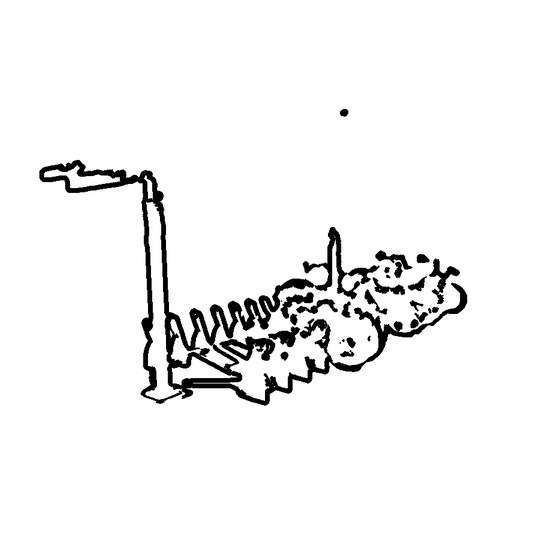
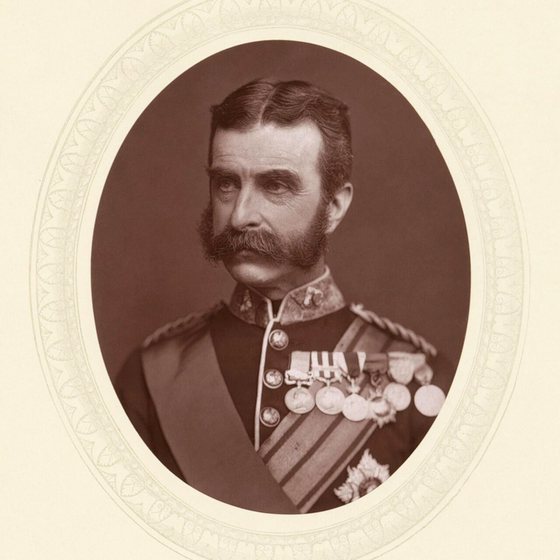
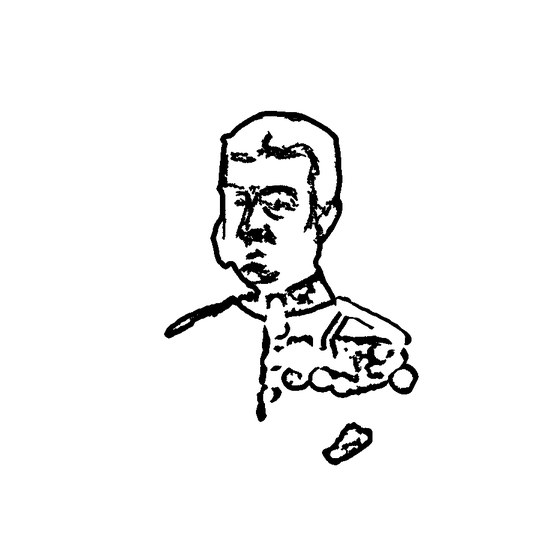
These are real conversions, not mockups. Every image below was produced by the same pipeline you get — same code, same settings.
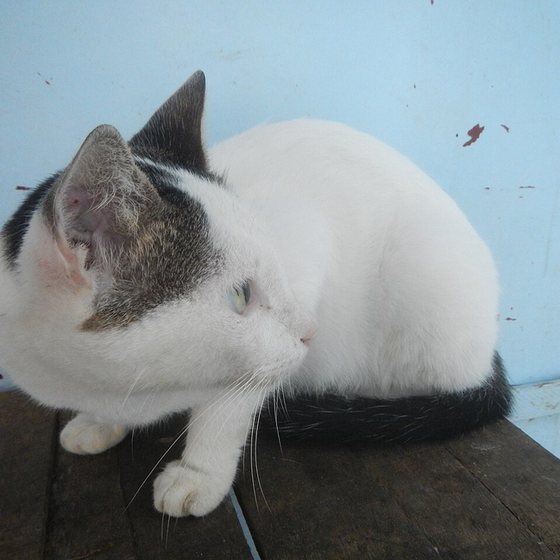
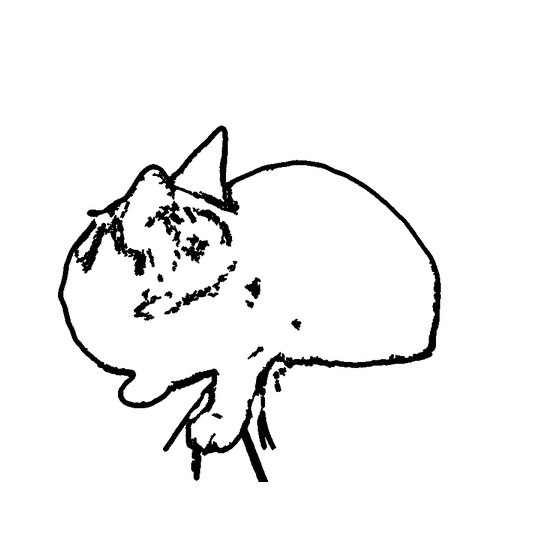
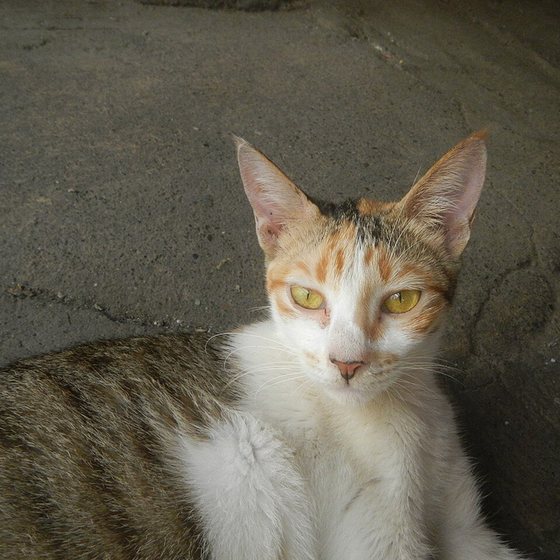
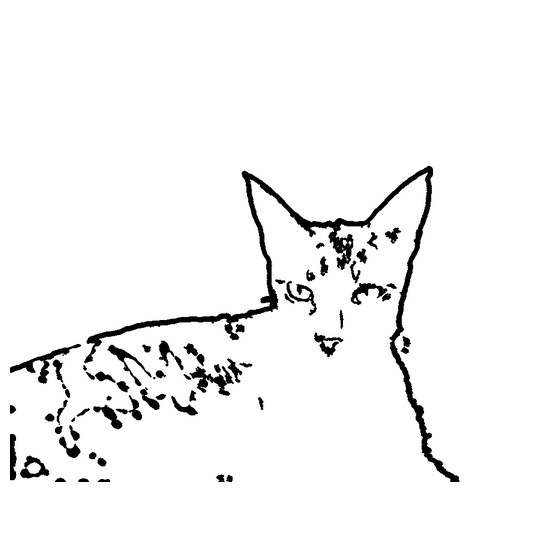
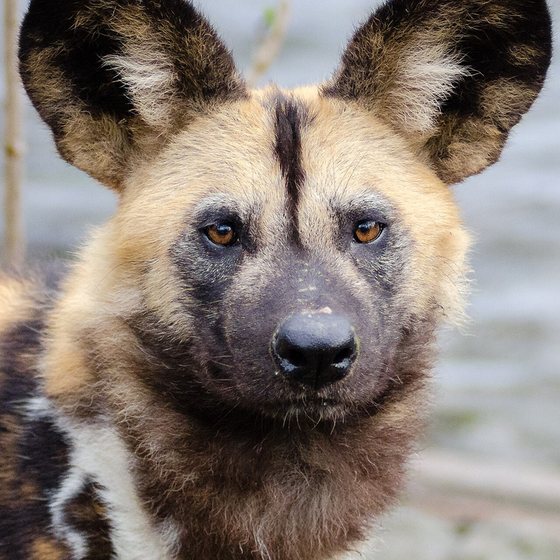
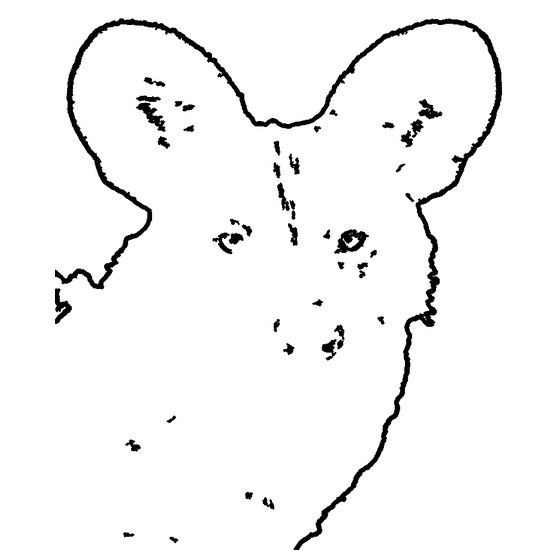
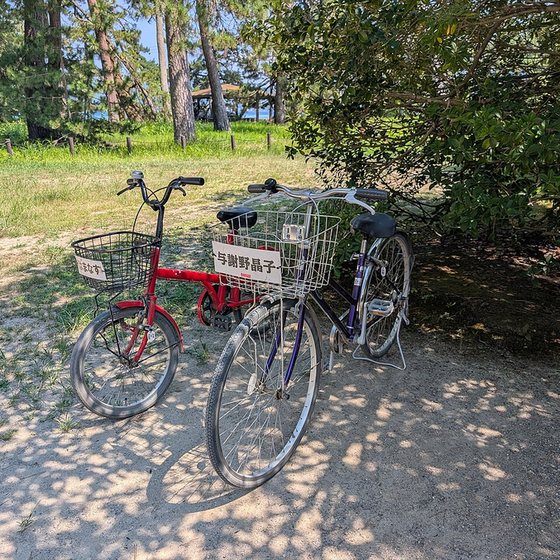
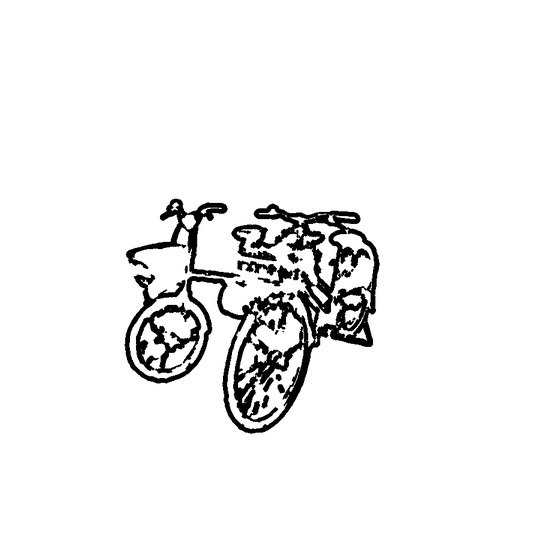

What makes a photo convert well
- One subject filling most of the frame.
- Even light — hard shadows turn into extra lines.
- Clear contrast between subject and background.
- Edges, not texture: fur and hair become strokes, not shapes.
Try one of these photos
Every card above links to the generator with that photo preloaded, so you can see how the detail levels change the result without uploading anything.
Open the generatorFrequently asked
Are these real outputs?
Yes. They were generated by the same pipeline the tool uses, at the Balanced setting.
Why do some photos keep more detail than others?
Contrast and edges matter more than resolution. A clean silhouette converts better than a busy, low-contrast photo.
Can I use these photos?
The source photos are public domain or CC0, so yes — but they are examples, not a licence to the tool's output rules.